A System of Journaling
One of the biggest hurdles I faced in consistently maintaining a blog like this site is having to manually copy paste my notes into my github.io directory as markdown files. This friction compounded over time and I would end up with a backlog of drafts that never made it to this site. So I decided to tinker around this a bit and create a more automated solution
The Markdown Era
Before any of this I used to maintain a single markdown file named journal.md to log everything like passwords, things I am currently working on, upcoming deadlines, calendar. The system was dead simple, I had several sections in the file like
## ToDo
- [ ] ...
- [ ] ...

## Deadlines
- ...
- ...

## some stuff
- ...
- ...
Whenever I had to log something I used to create a section for it in the journal and add a couple of checkpoints and bullets around it for context, when I had to put it in priority it goes to the top in the #ToDo section. This kind of worked because I wasn’t logging a lot of things, then when I started journaling this system just wasn’t going to scale
Age of Google Docs
So then to scale this I started maintaining a google doc named “Agency” and used it as a journal where I jotted down my daily thoughts, reflections, notes from the books I am reading, learnings, plans for new year resolutions and everything that usually happens around ones life
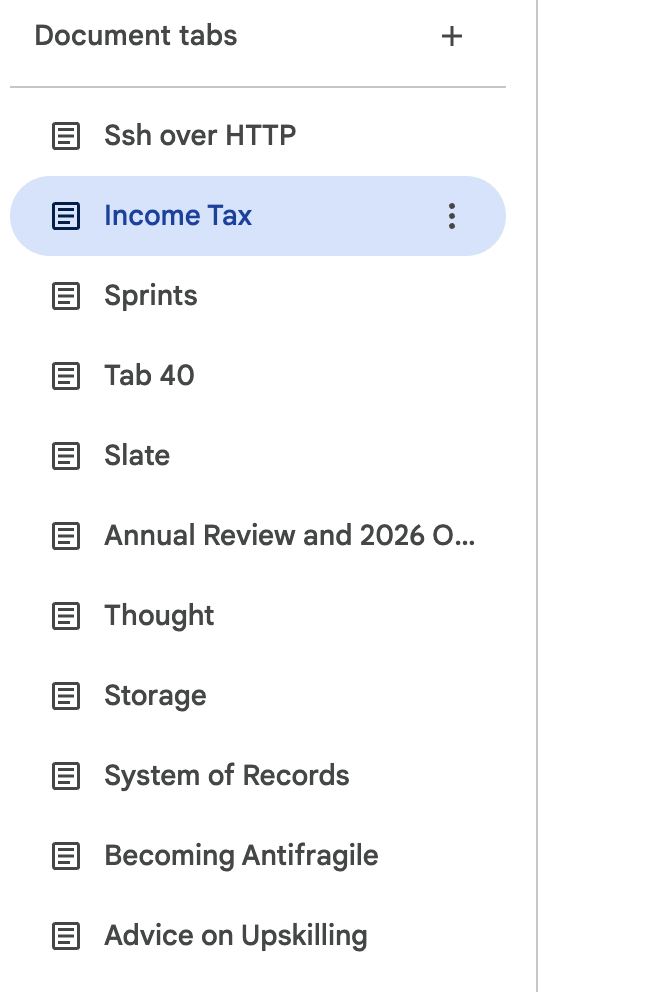
I used this method of journaling extensively in 2025 but it grew so enormous in size, overtime it had more than 80 tabs in a single google doc, that it was becoming hard for me to refactor and review everything. I broke it down into categories of months and added cross links between tabs so each month had a single tab and other pages were linked from a single index page. This worked for a while but when the number of tabs reached 150+ this system still broke down. I had to remember the title of the tab where I had stored some info which I wanted to revisit. The lack of a global search feature to search across tabs and across tab titles made it even worse
This was around the same time that I got my hands on cursor which is an AI assisted IDE. Cursor was the tool which exposed me to AI agents and their scaffolding around codebases. It was my first hand experience of feeling the impact of AI in the labour market. This was also around the same time that I wanted to tinker with the idea of using these agents to traverse this mesh of thoughts that I have and render them transparent so I can ask them clarifying questions on them. This meant going back to the markdown era but with the organizational system that I had already developed for myself around google docs
Enter Obsidian
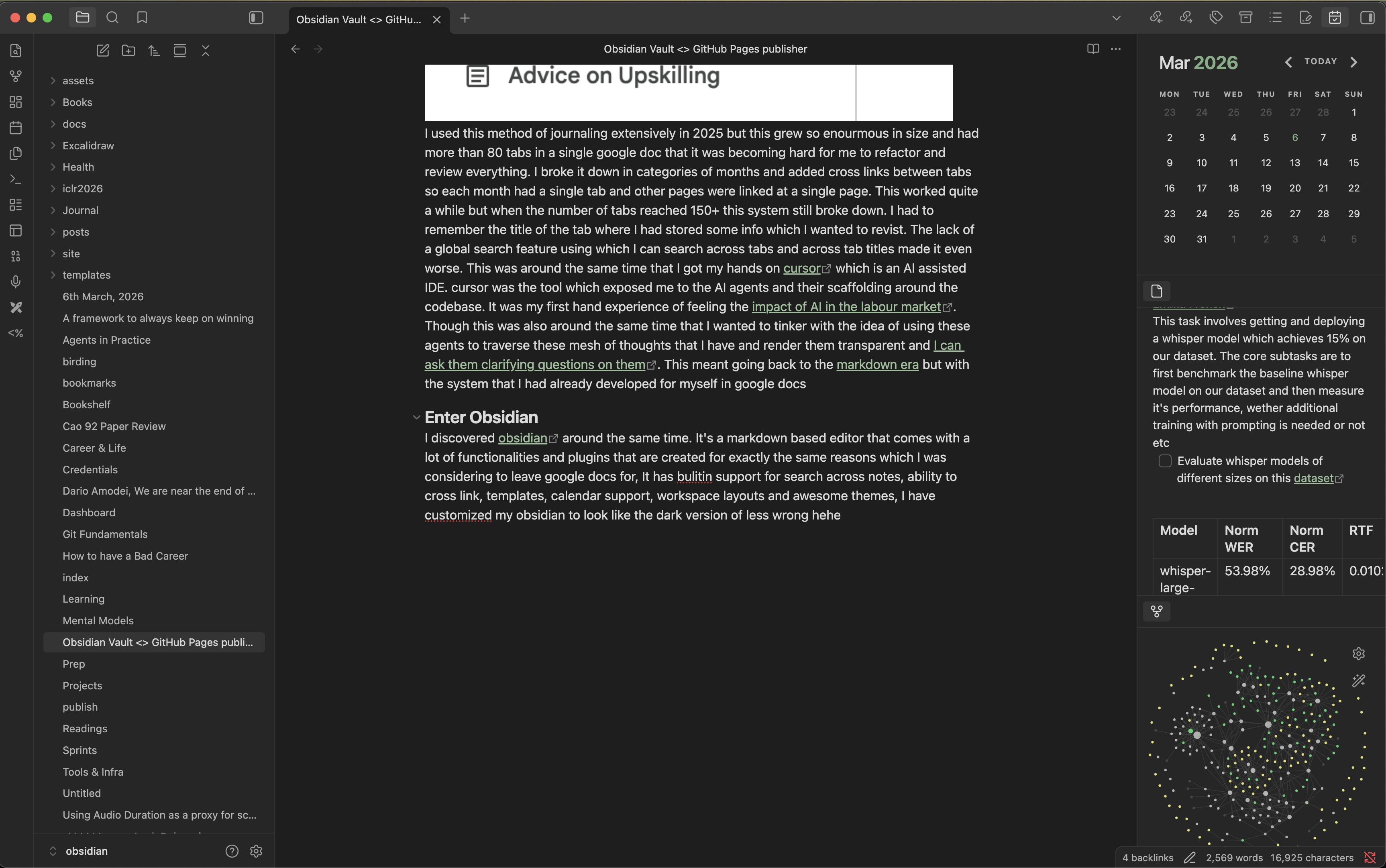
I discovered obsidian around the same time. It’s a markdown based editor that comes with a lot of functionalities and plugins that are created for exactly the same reasons which I was considering to leave google docs for. It has builtin support for search across notes, ability to cross link notes with [wikilinks](wikilinks), templates, calendar support, workspace layouts and awesome themes. I have customized my obsidian to look like the dark version of lesswrong hehe
 |
 |
|---|---|
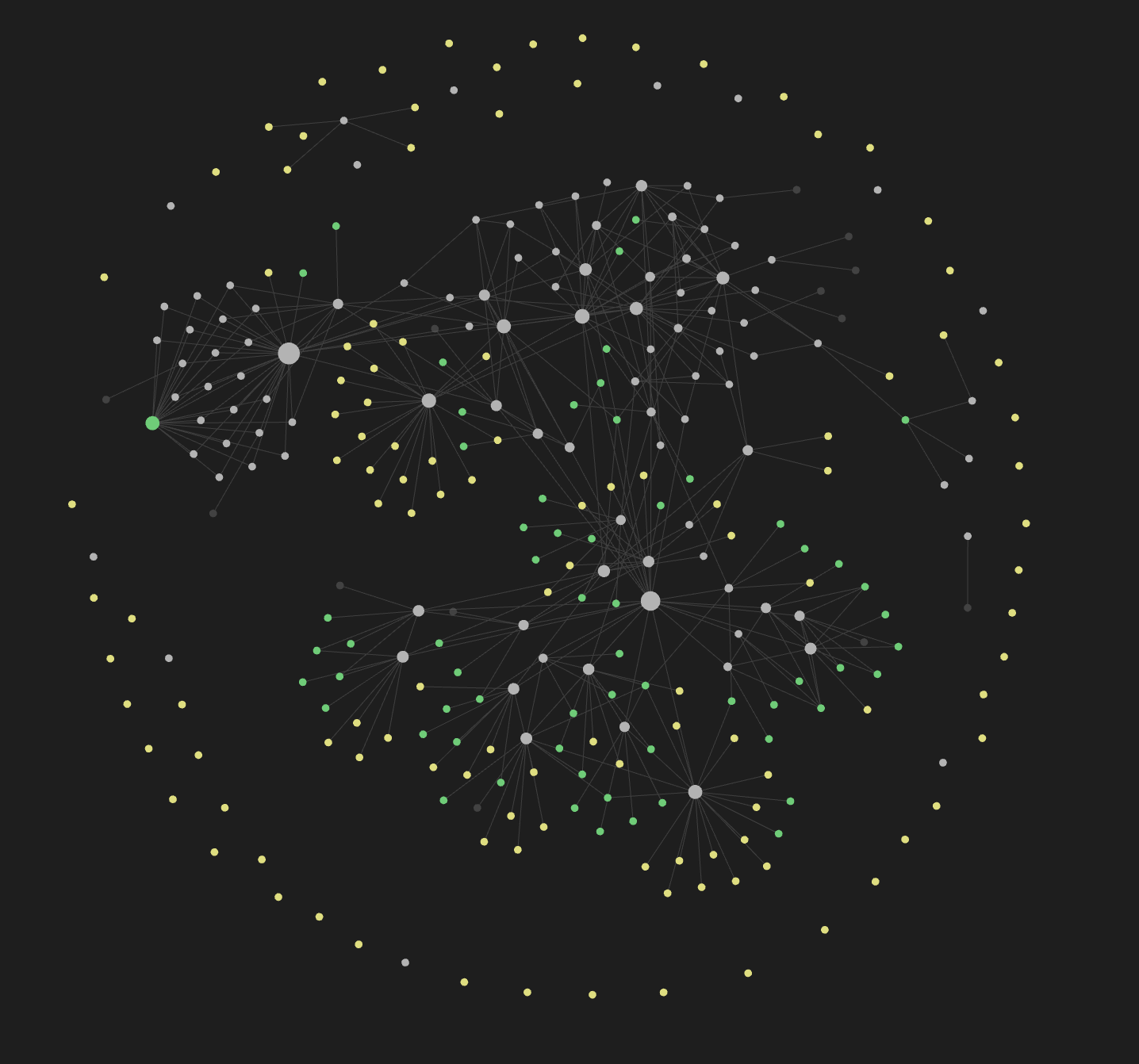
It also comes with a graph viewer which renders your entire vault as an interconnected graph where connections naturally emerge when you cross link and cross reference things. I just started using obsidian a month ago and have been absolutely loving it
Publishing System
So now I had a great writing environment but the original problem remained, how do I get stuff from obsidian to my github pages site without manually copying things around? I needed a way to sync my vault content to a remote repository where it gets rendered as a static site
This site uses Jekyll which is a static site generator that github pages natively supports. This site uses a custom css theme derived from minima. Jekyll expects markdown files with YAML frontmatter in a specific directory structure (_posts/ for blog posts, root for standalone pages) but Obsidian writes markdown but with its own conventions [wikilinks](wikilinks) for cross references,  for images, and dataview queries for dynamic content. So I also had to ensure that this conversion process is also handled correctly
Trying Quartz Syncer
My first attempt was Quartz, a batteries included static site generator that transforms markdown content into fully functional websites. Quartz already handles obsidian flavored markdown so the translation problem goes away. All I needed was a way to sync content from obsidian to the remote quartz repository
I tried quartz-syncer, an obsidian plugin built exactly for this. I set everything up following the documentation, added my github repo, and the connection showed successful
 I wrote a dummy page with
 publish: true in the frontmatter and it correctly showed up as unpublished in the publication center. When I hit publish it said publication successful. But there were no commits in my repo. Nothing actually happened
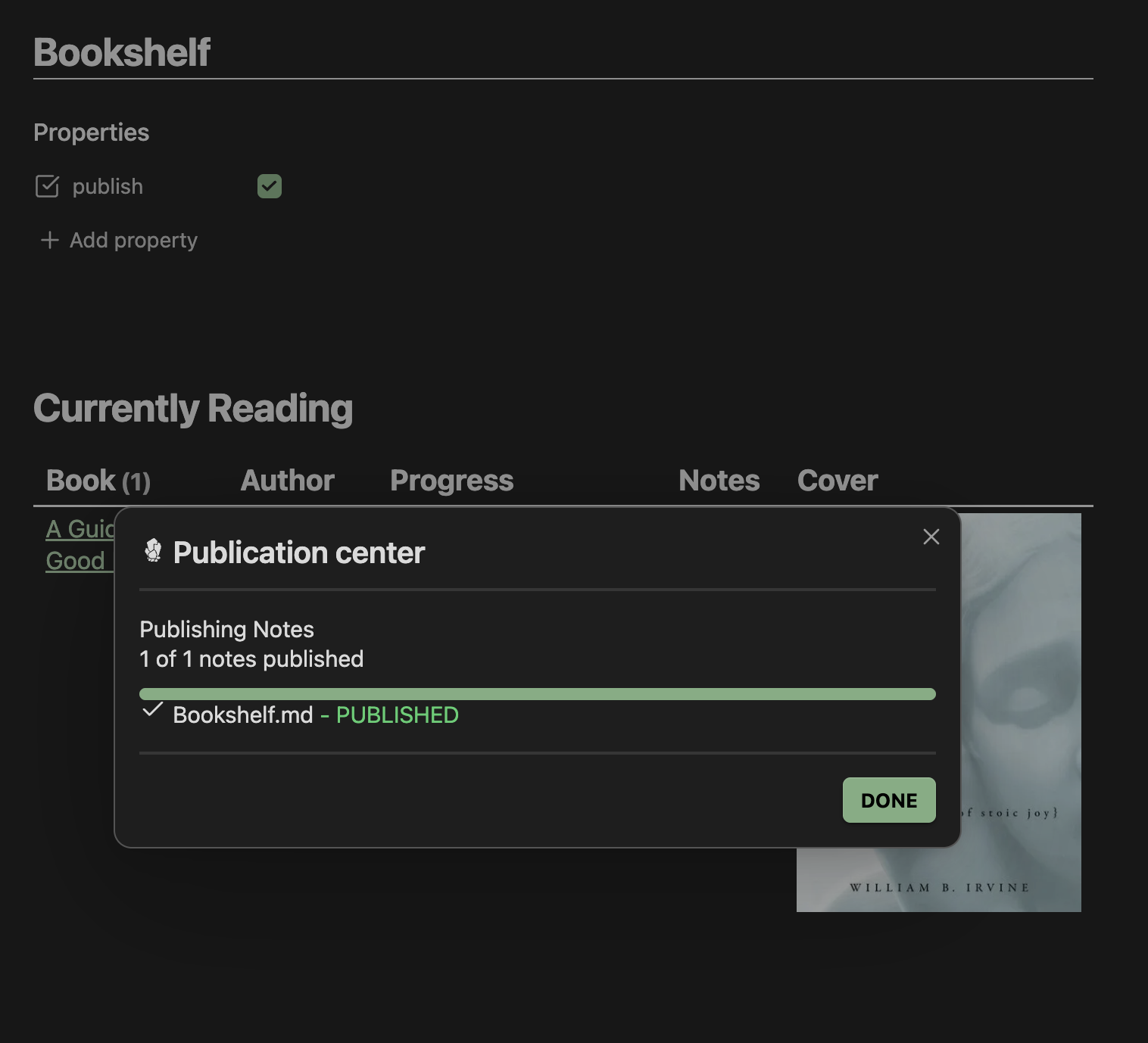 I opened an issue about this, tried giving all repo access to my classic token thinking permission access could be the reason, but it still failed to create commits. I spent a good amount of time debugging this and tweaking settings but couldn’t get it to work
Writing My Own Script
At that point I decided to just write it myself. The requirements were simple enough:
- Crawl specific folders and files from my vault based on a config
- Convert obsidian markdown to jekyll compatible markdown
- Handle image embeds and wikilinks
- Push to the upstream repo
This is the system design of the entire setup that I put together
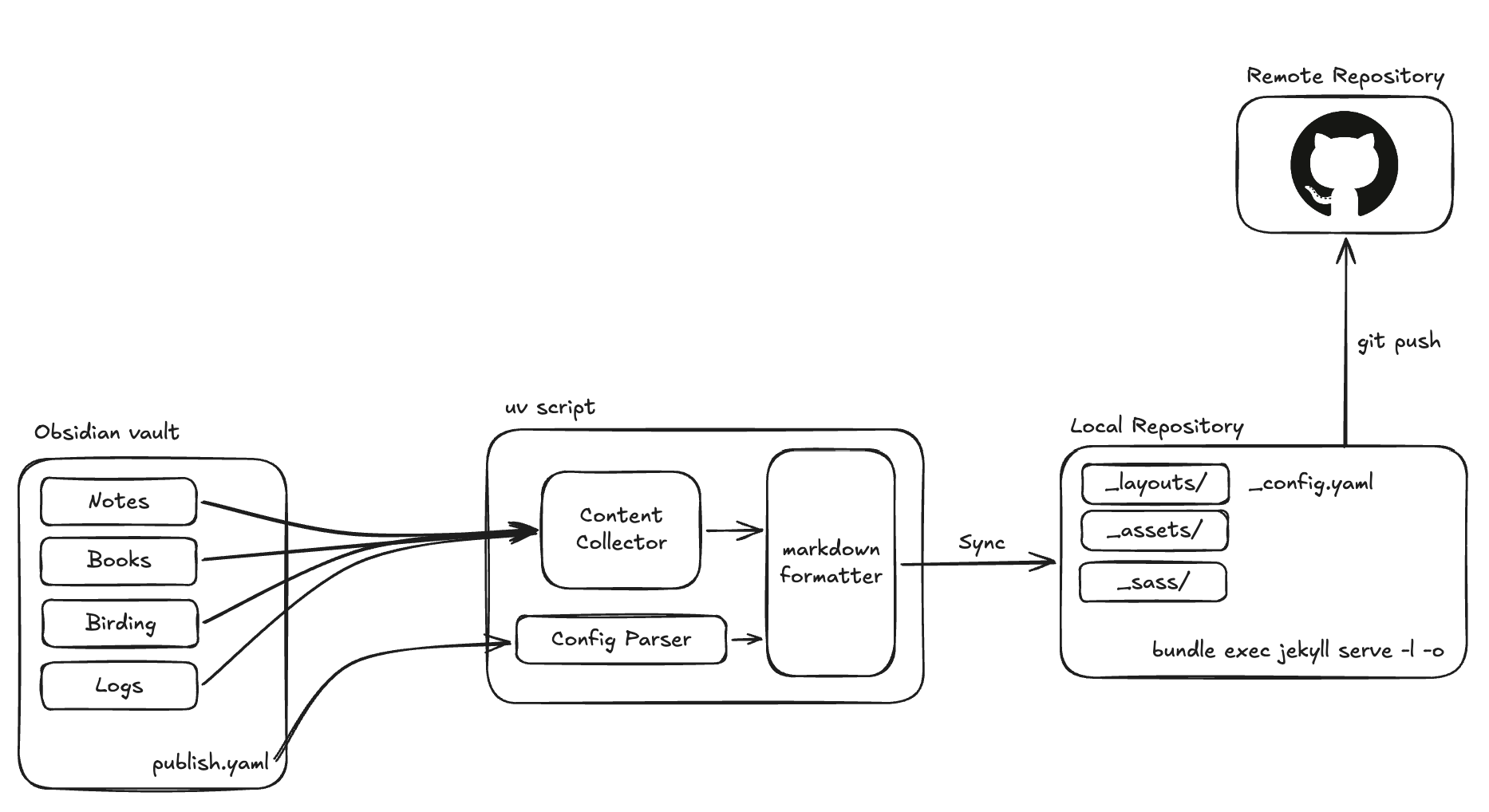 I put together a python script that does exactly this. The setup is driven by a
 publish.md config file in the vault root where I specify the vault path, the site repo path and which paths to sync:
---
site_repo: /path/to/darshanmakwana412.github.io
obsidian_vault: /path/to/obsidian
paths:
  - posts/
  - bookmarks.md
  - birding.md
  - Bookshelf.md
---
Directories ending with / are synced as jekyll blog posts into _posts/, standalone files are synced as pages at the root. The script handles the obsidian to jekyll translation  becomes , [wikilinks](wikilinks) become standard markdown links, and it copies over all the image assets to the right places
Running ./publish.py sync crawls the vault and syncs everything. ./publish.py push commits and pushes to remote. ./publish.py publish does both in sequence. There is also a ./publish.py watch mode that uses watchdog to detect file changes in the vault and auto syncs, which is pretty nice when you are actively writing and want to see changes reflected quickly. So just usually keep this script running in the background all the time
Some Glue Work
The one thing that still needs work is dataview parsing. Dataview is an obsidian plugin that lets you query your vault like a database. I use it on my bookshelf page to render a table of books I am currently reading:
TABLE WITHOUT ID
	link(file.link, title) AS Book,
	author AS Author,
	"<progress value='" + chapters_read + "' max='" + total_chapters + "'></progress> " + chapters_read + "/" + total_chapters AS Progress,
	notes as Notes,
	embed(link(meta(cover).path)) AS Cover
FROM #book
WHERE status = "reading"
SORT file.mtime DESC
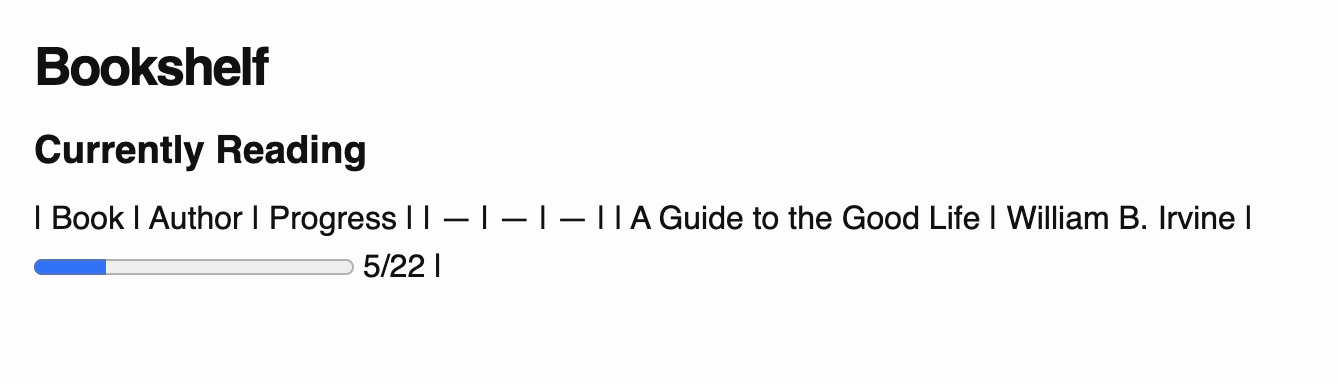 The script has a basic dataview resolver that parses
 FROM #tag and WHERE clauses and renders them as markdown tables. It works for simple queries but anything with computed columns like the progress bar or cover embeds needs more work. You can see how it currently renders at darshanmakwana412.github.io/bookshelf